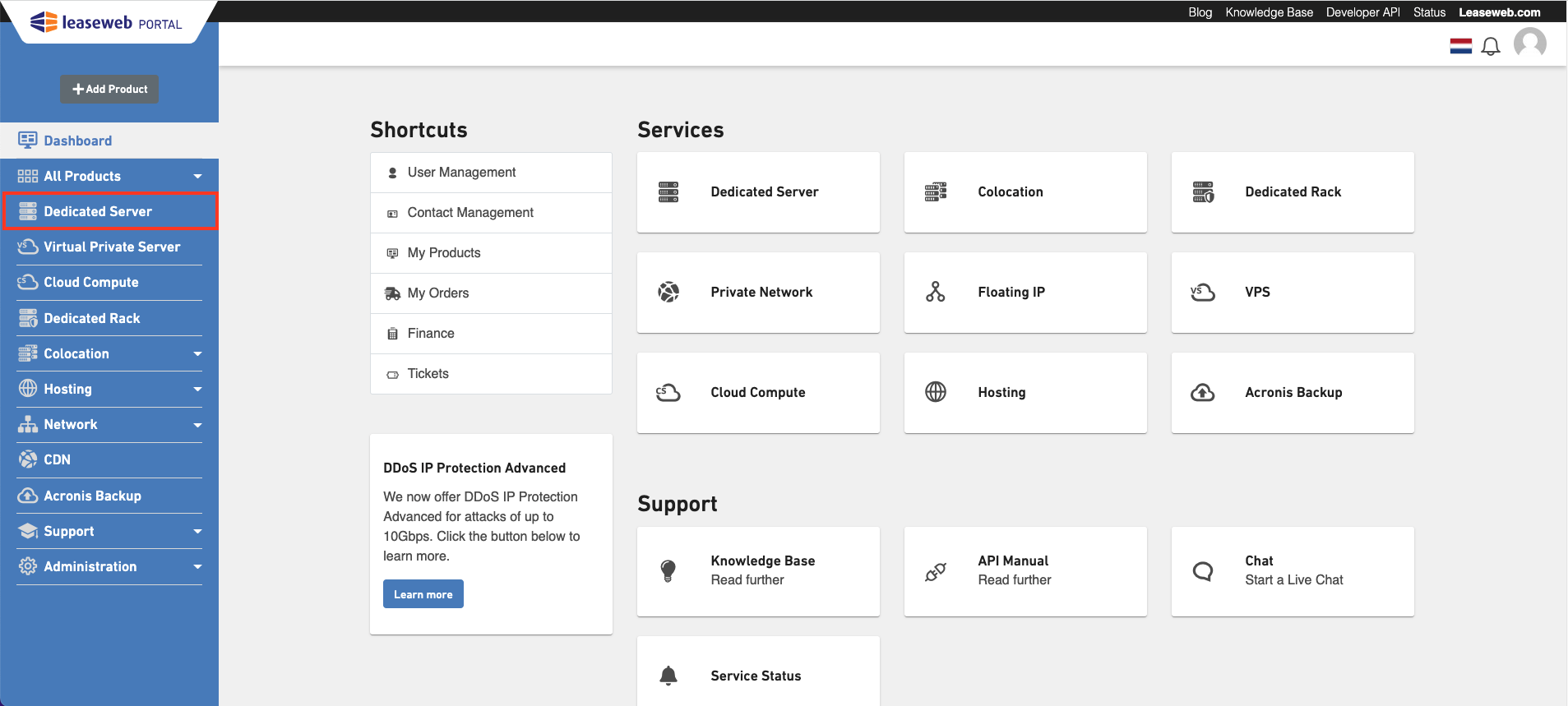
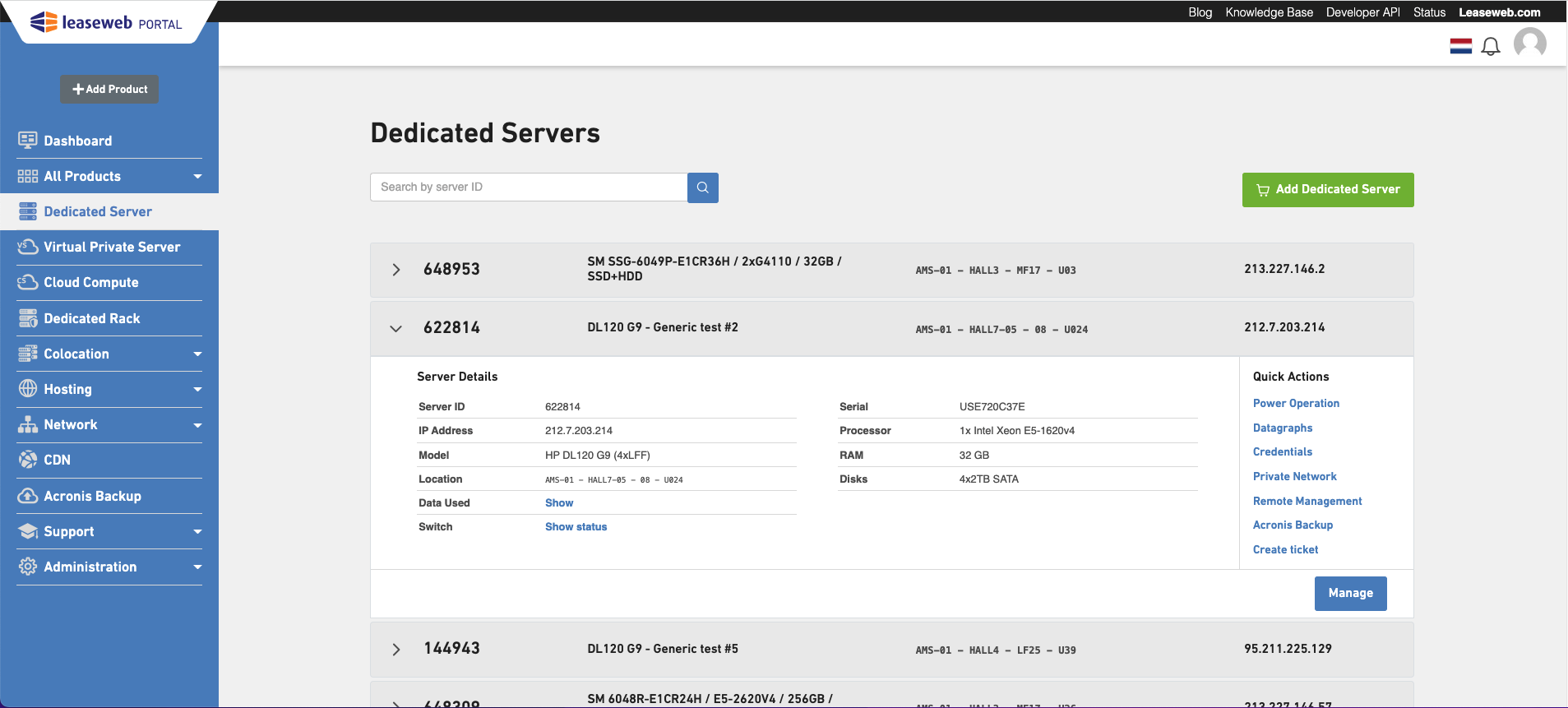
Perform the following steps to get an overview of all the Dedicated Servers assigned to you: 1. In the menu bar, select Dedicated Server. 2. The Dedicated Servers overview page displays. Viewing your Dedicated Servers
The Overview page shows you all the Dedicated servers under your account. Some actions can be performed directly from here like: reboot them, disable/enable switch ports, manage IP address(es).